
Translate a product manual without losing the spec table
A manual is not an essay. It has a contents list, parameter tables, warnings, callouts, units, and model numbers. If those drift apart, the translation is hard to use. Yibelin follows the page structure and keeps the original arrangement as far as the file allows.
Upload a manual and check the tablesWhat a translated manual looks like
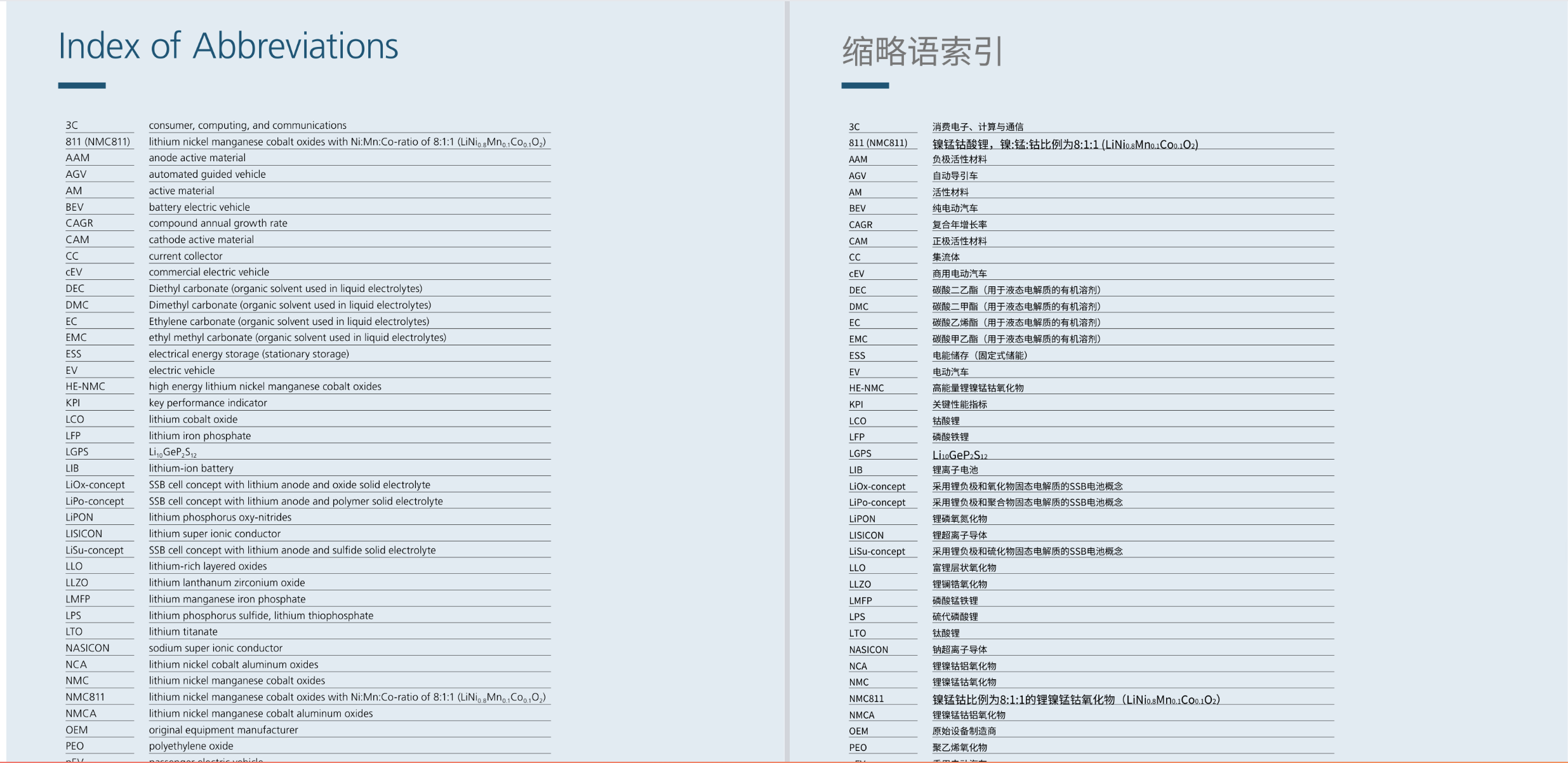
Documents this page is for
- Product manuals and operating guides
- Spec sheets and catalogs
- Maintenance documents
- Supplier PDFs used in purchasing
- Old scanned manuals, which need OCR — see scanned PDFs
Where manuals usually break
- Parameter tables shift out of their columns
- Model numbers and units get translated
- Callouts no longer point at the figure
- Warning levels lose their hierarchy
- The contents list and page numbers become hard to follow
A practical way to use it
To understand a supplier file internally, upload it and check parameters, units, model numbers, and captions.
To prepare a customer draft, edit the terms in the browser and export. A version you send outside the company still needs a person to proof it.
If the tables are very dense, test a few pages before you run the whole file. For a comparison of layout-first tools, see DeepL and PDF layout and an online path instead of pdf2zh.
Questions
Can the tables stay intact?
The aim is to keep the table shape. If columns stick together, switch to Enhanced (recommended) and try again. A table that runs across many pages still needs a look. Open the translator with Enhanced.
Will model numbers and units be translated?
Check them. You can correct a term in the browser after translation.
Can I send this straight to a customer?
Use it as a draft and for internal reading. A customer-facing file should be proofed by a person.
Upload a manual that is safe to share, and check the contents list, tables, units, and callouts.
Try a manualRelated pages
English home · Papers · Scanned PDFs · Contracts · pdf2zh online alternative · DeepL PDF layout