
Can't select the text? OCR the scan, then translate it
Some PDFs look like text but the pointer only grabs the whole page. The file is a picture, so a normal translator has nothing to read. Yibelin starts on Scan Enhanced: OCR first, then translation, with the page structure kept as far as the scan allows.
Upload a scanned PDFWhat OCR translation looks like
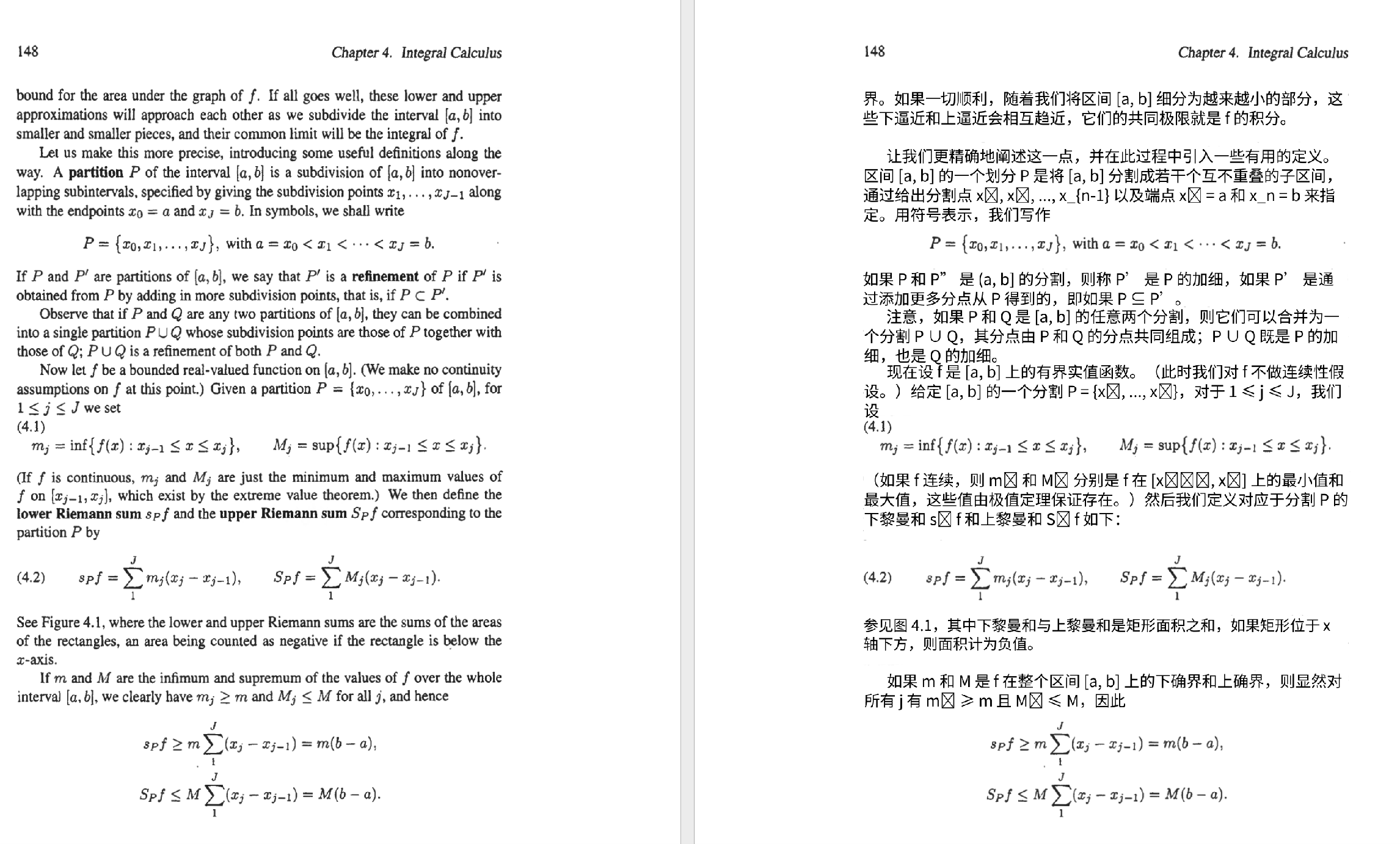
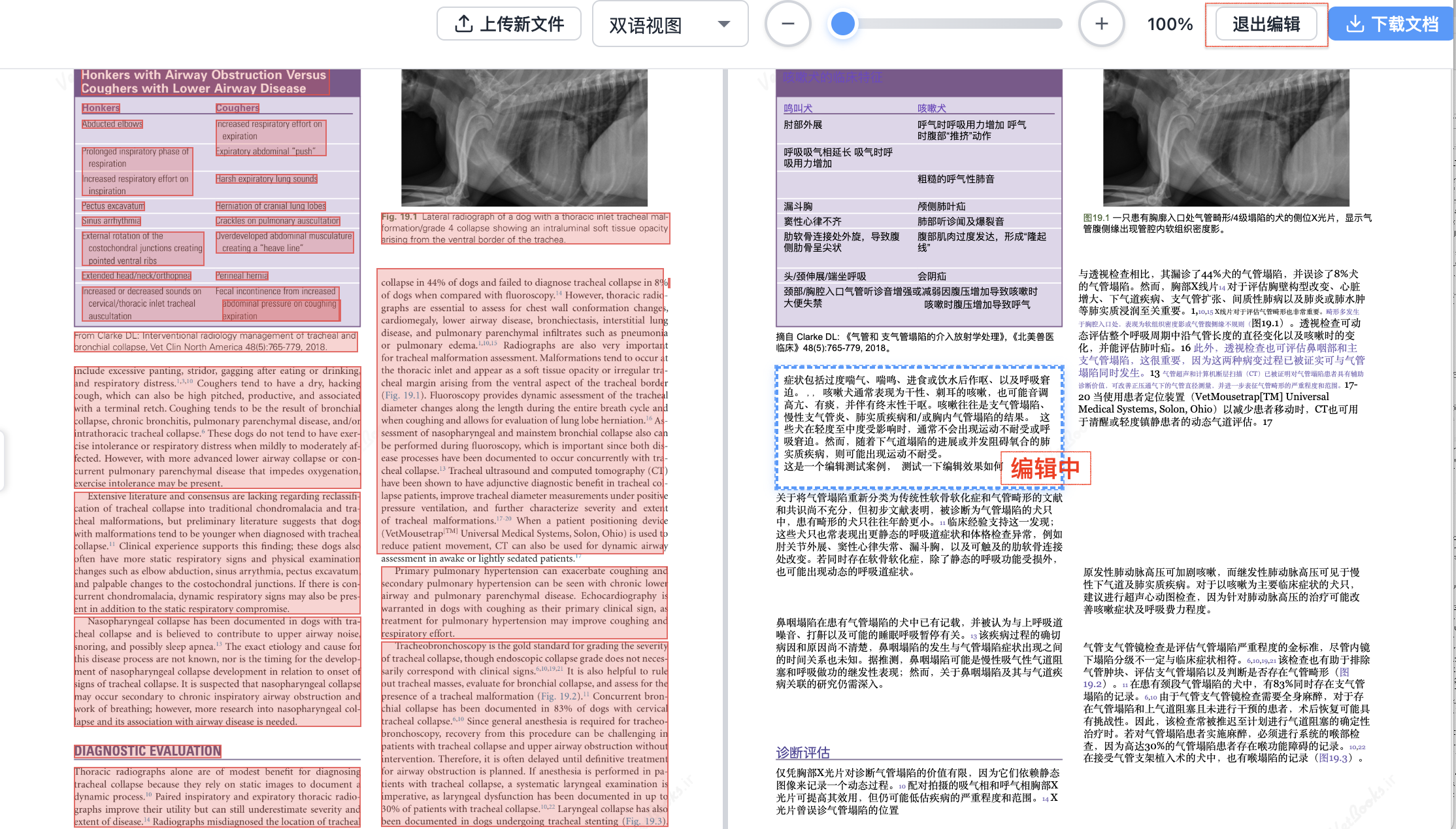
Scans this page is for
- Scanned papers, textbooks, and old manuals
- Paper contracts and archive PDFs
- Phone photos saved as PDF
- Files where you cannot select a sentence
A normal two-column paper is covered on the paper page. The translator itself is at the English app.
How to tell it is a scan
Open the PDF and try to select one sentence:
- You can select the words: it is usually a text PDF. Use the paper or contract page.
- You can only select the whole page, or nothing: it is probably a scan and needs OCR.
- Copying produces garbage characters: try OCR as well. The font encoding may be the problem.
Why scans fail more often
- There is no real text until OCR runs
- Blur, shadow, and page curl drop or change characters
- Handwriting and stamps confuse the recognizer
- Formulas and tables in a scan are harder to rebuild than in a text PDF
- Numbers, units, and names need a human check
A practical way to use it
Upload one or two pages first. See whether OCR missed words and whether you can still read the layout, then decide on the full file.
A clear scan around 300 DPI is more stable. A phone photo can work, but angle and light decide the result. You do not switch engines by hand for a normal scan: Scan Enhanced is already the default.
Questions
Can I translate a phone photo saved as PDF?
You can try. Sharpness, angle, and shadow decide the result. Test one page first.
Will handwriting be recognized?
Do not rely on it. Handwritten notes need a person to confirm them.
Is the flow different from a normal PDF?
Upload works the same way. A scan adds an OCR step. Scan Enhanced is on by default, so you do not pick another engine first.
If you cannot copy the text, upload one scanned page and check the OCR and the layout.
Try one scanned pageRelated pages
English home · Papers · Manuals · Contracts · pdf2zh online alternative · DeepL PDF layout