
Translate a research PDF without collapsing the two-column layout
The hard part of a paper is not a single sentence. It is whether the columns, captions, formulas, and references are still readable after translation. Yibelin works paragraph by paragraph, then lets you correct terms in the browser before you export.
Upload a paper and check the columnsWhat the result looks like
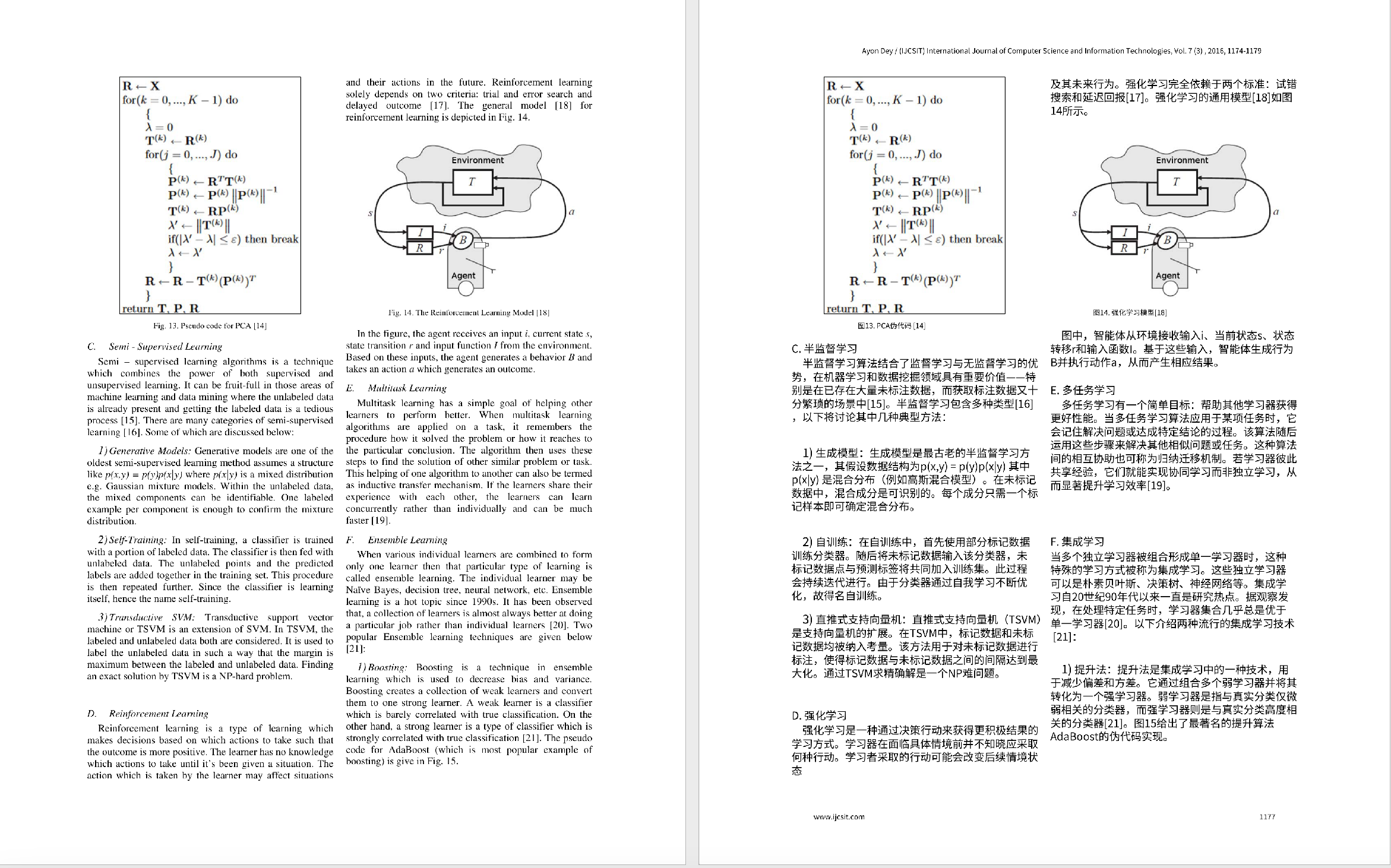
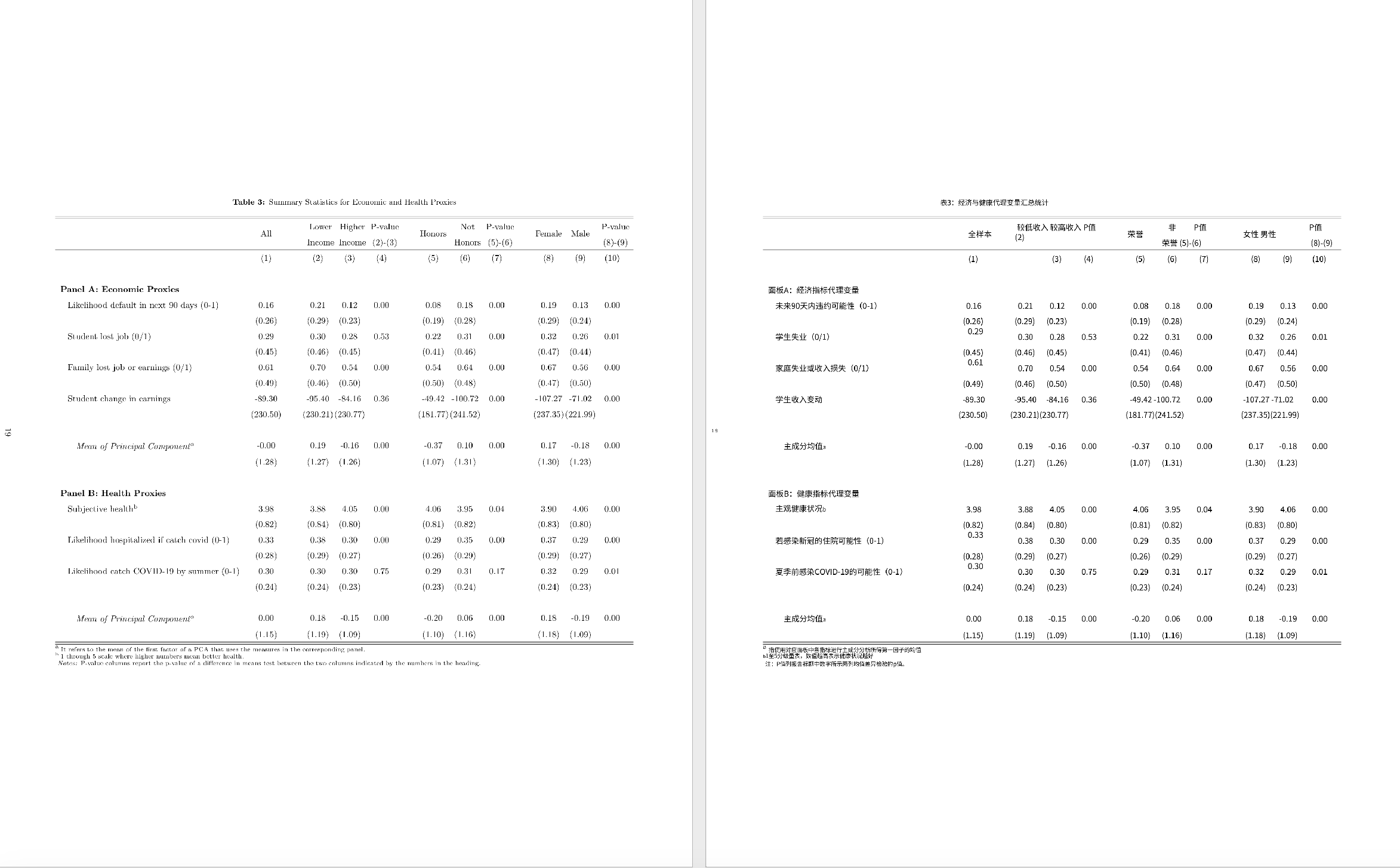
Papers this page is for
- English journal articles you want to read in Chinese
- Chinese papers you want as an English draft
- Two-column layouts you still need to follow
- Course notes, technical reports, and white papers
Older papers that are only images need OCR first. See scanned PDF translation.
Where paper PDFs usually break
- The two columns are read in the wrong order
- A caption drifts away from its figure
- Text next to a formula is moved or translated by mistake
- Reference formatting falls apart
- Chinese expanded into English overflows the column
A practical way to use it
If you only need the gist, translate the abstract, introduction, and conclusion first.
If you need the whole paper, upload the PDF and then check the abstract, method names you want left in English, caption positions, column order, and any numbers inside formulas. When several table columns stick together, switch to Enhanced (recommended) in Translation settings. For a normal paper, leave the default Scan Enhanced engine on.
Chinese papers into English
English is usually longer than Chinese, so text can crowd or overlap. Yibelin adjusts size and paragraph flow where it can. A submission still needs a human edit. Open the translator for Chinese to English.
Questions
Are formulas translated?
Formulas, symbols, and numbers should stay as they are. Text sitting next to a complex formula still needs a human check.
Will a two-column paper stay two columns?
The aim is to keep the two-column structure. How close it gets depends on the original layout.
What if table columns merge?
Start with Scan Enhanced. If columns glue together, switch to Enhanced (recommended) and check headers and number columns again. More detail: translate PDF tables. Open the translator with Enhanced.
Is this a camera-ready submission?
Use it to read the paper or to draft an English version. A formal submission still needs editing.
Try the paper you are reading now. Look at column order, caption placement, and whether term edits are easy.
Try a paperRelated pages
English home · Scanned PDFs · Manuals · Contracts · pdf2zh online alternative · DeepL PDF layout