
Translate a PDF and keep the formatting readable
Sentence translators are strong at wording. PDFs also need layout: columns, tables, captions, and scans. Yibelin translates by paragraph, keeps the reading structure as far as the file allows, lets you edit terms, then exports a PDF—aligned with “keep formatting”, “without losing template”, and “keep pdf”.
Upload a PDF and check the layout firstWhat layout-preserving looks like
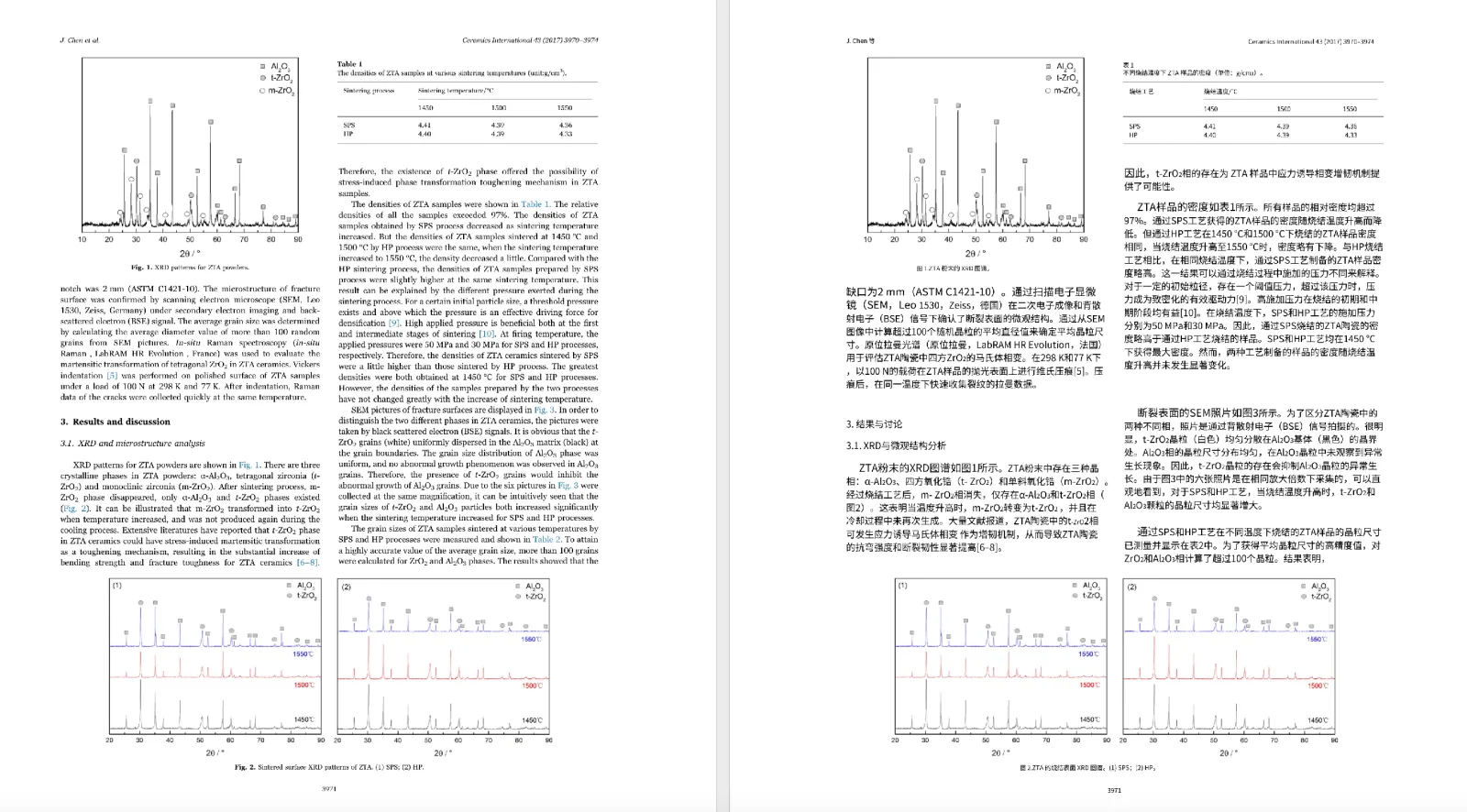
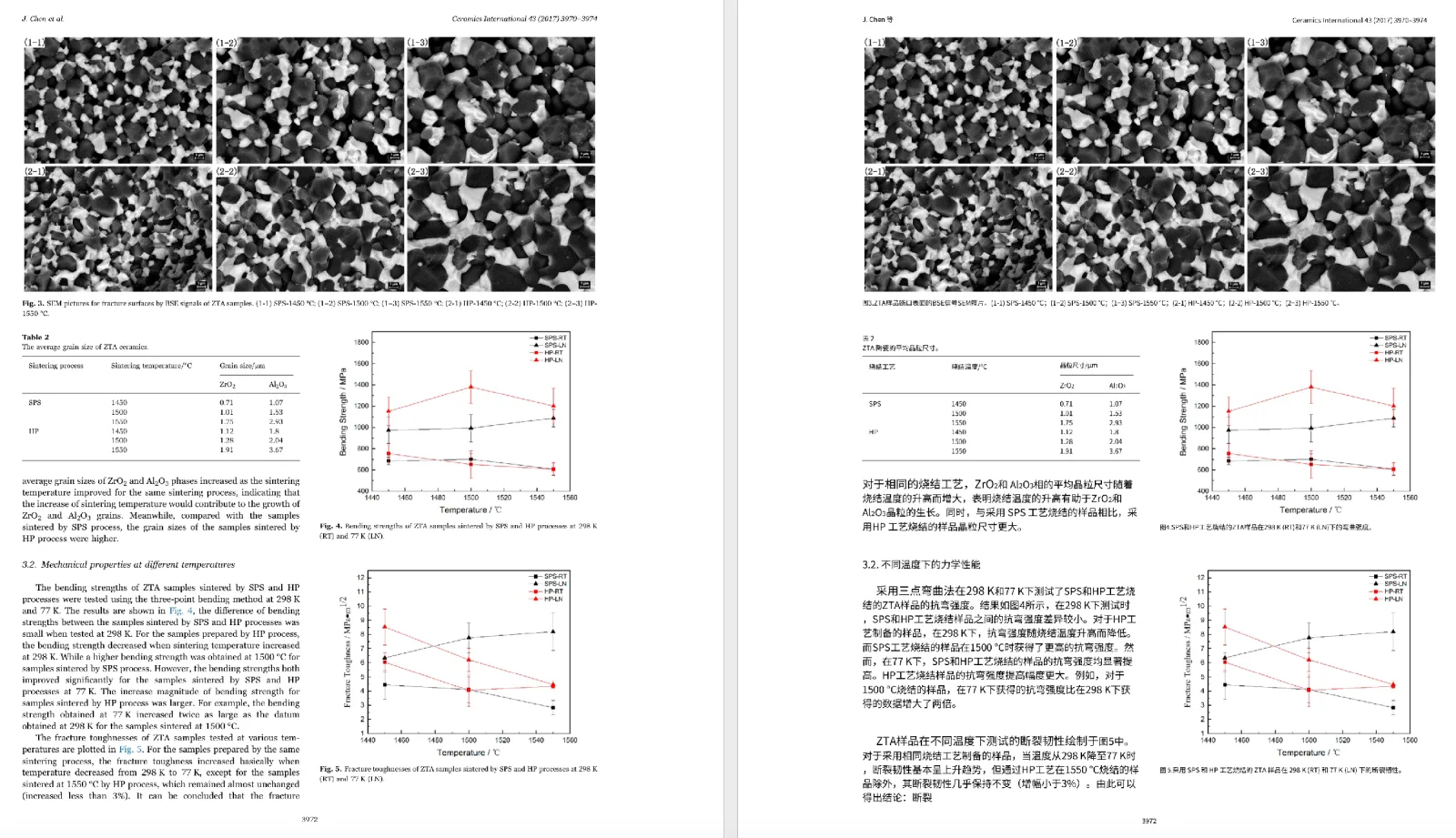
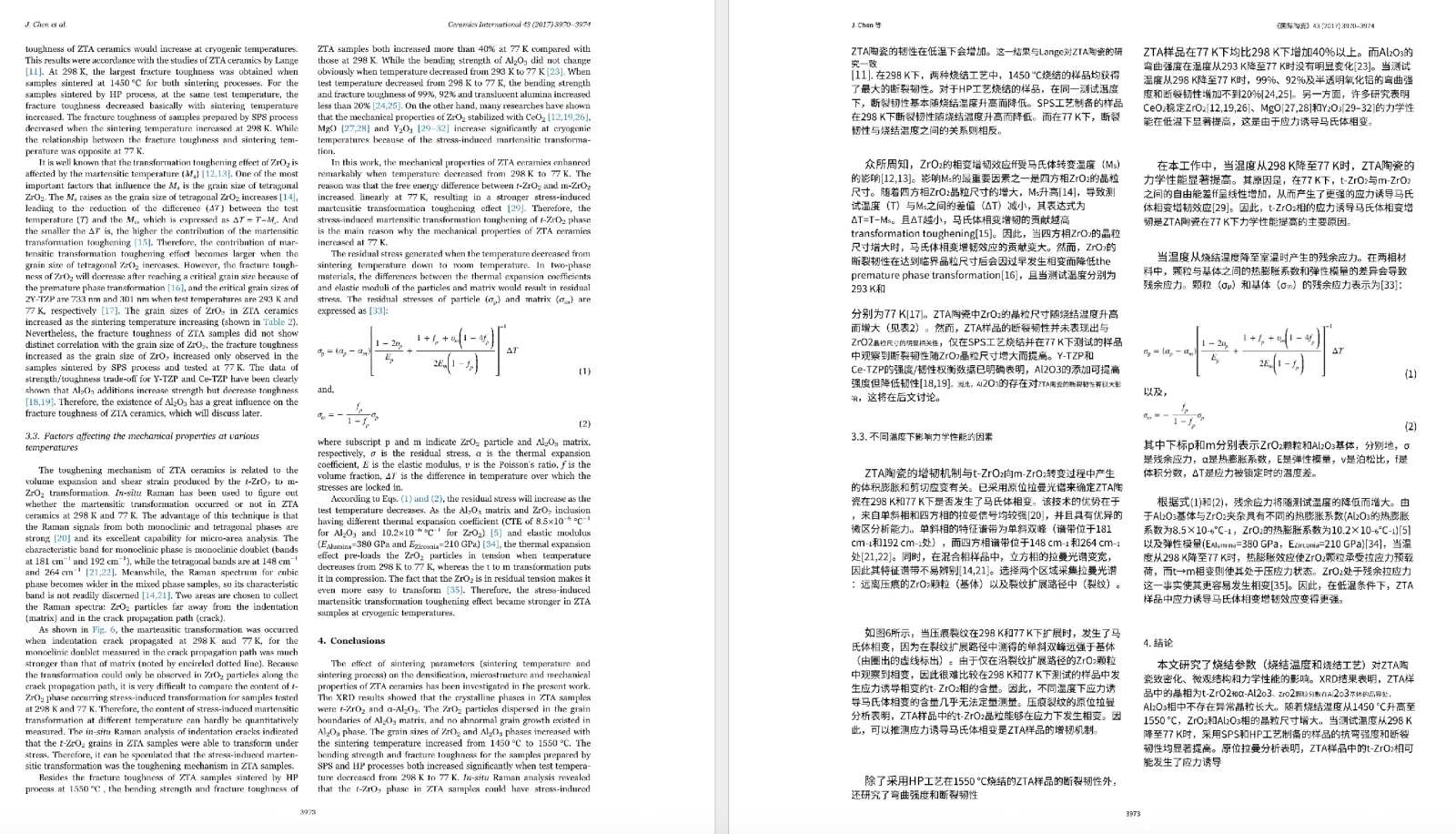

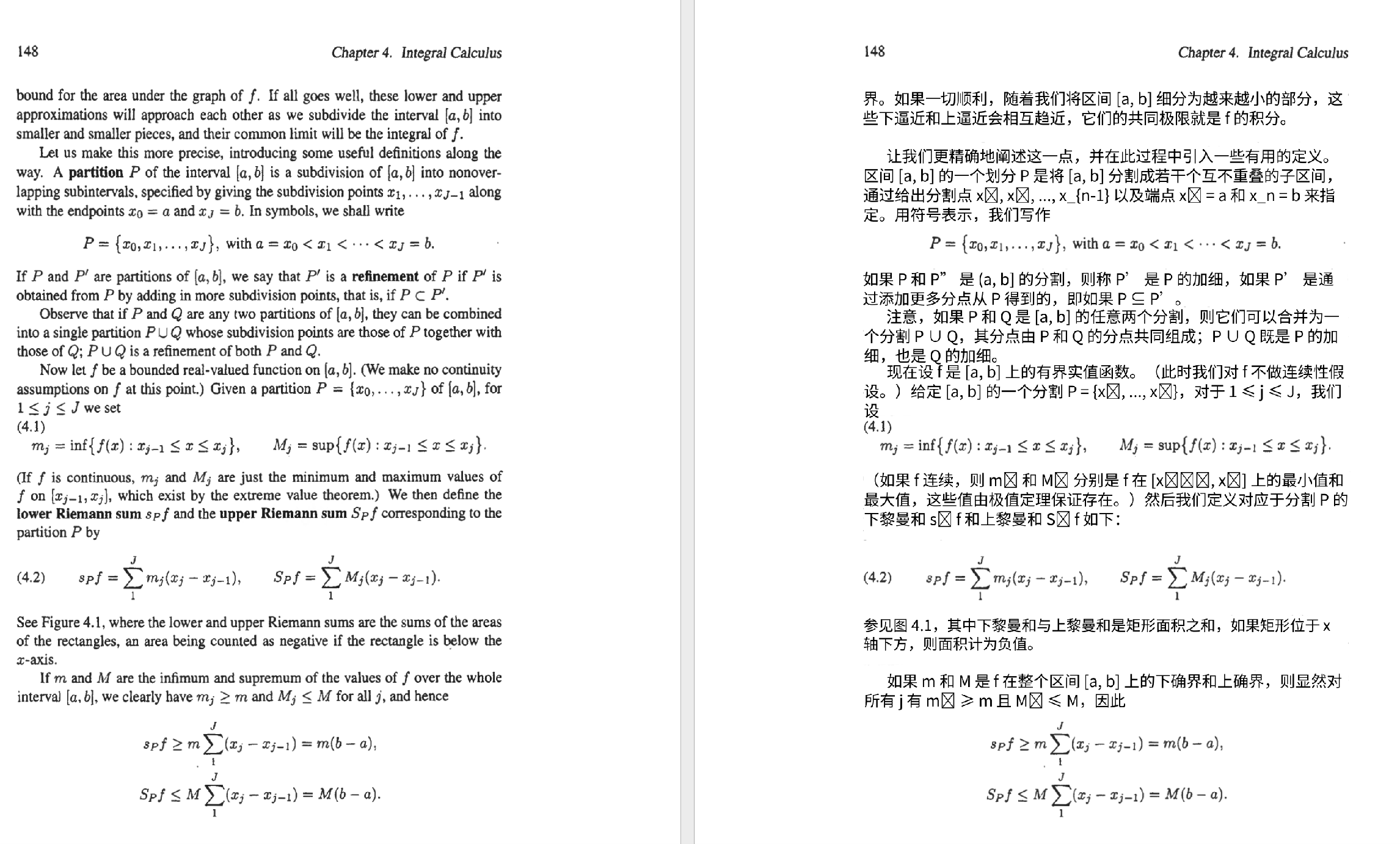
Papers: academic PDF page. Tables: PDF tables. Manuals: product manuals. Image-only files: scanned PDFs.
What this page owns
- Can I translate a PDF and keep formatting / keep layout?
- I need the result as a PDF without losing the template (keep pdf)
- Why converting to Word first often makes alignment worse
- Honest limits: not pixel-perfect 100%
Paper-only, scan-only, and competitor-alternative intents belong on their own pages.
Why PDF translation breaks layout
- Two-column order collapses into one stream
- Table cells drift from headers
- Longer translations overflow text boxes
- Scans have no selectable text
- No easy way to fix a term and re-export PDF
How Yibelin works
- Upload the PDF
- Detect page structure and paragraphs
- OCR first when the file is a scan
- Translate by paragraph while keeping reading order
- Preview and edit terms in the browser
- Download the translated PDF
Convert to Word first?
Many people convert PDF → Word, then translate. Conversion tools are good at file formats, not at preserving a post-translation reading layout. Scanned PDFs often come out with misaligned lines. If the goal is a usable translated PDF, a layout-oriented PDF workflow is usually a better first try than Word round-trips.
FAQ
Can you keep the original format 100%?
We keep it as far as the file allows. Results depend on structure, fonts, tables, and scan quality. We do not promise pixel-perfect identity.
What does “without losing template” mean here?
Users usually want a finished PDF that still looks like a document—paragraphs and tables readable—not a dump of plain text. That is the job of this page and the upload flow.
Do you support scanned PDFs?
Yes. Scan Enhanced is the default and includes OCR. Handwriting and low-quality scans still need human review. See the scanned PDF page.
Can I edit after translation?
Yes. Edit paragraphs in the browser, then export again.
Is this for signed legal PDFs?
Use it for understanding and internal drafts. Anything formal still needs a qualified review.
If translated PDFs usually come back messy, upload a non-sensitive file and check whether the layout still works for reading.
Try a page for free